





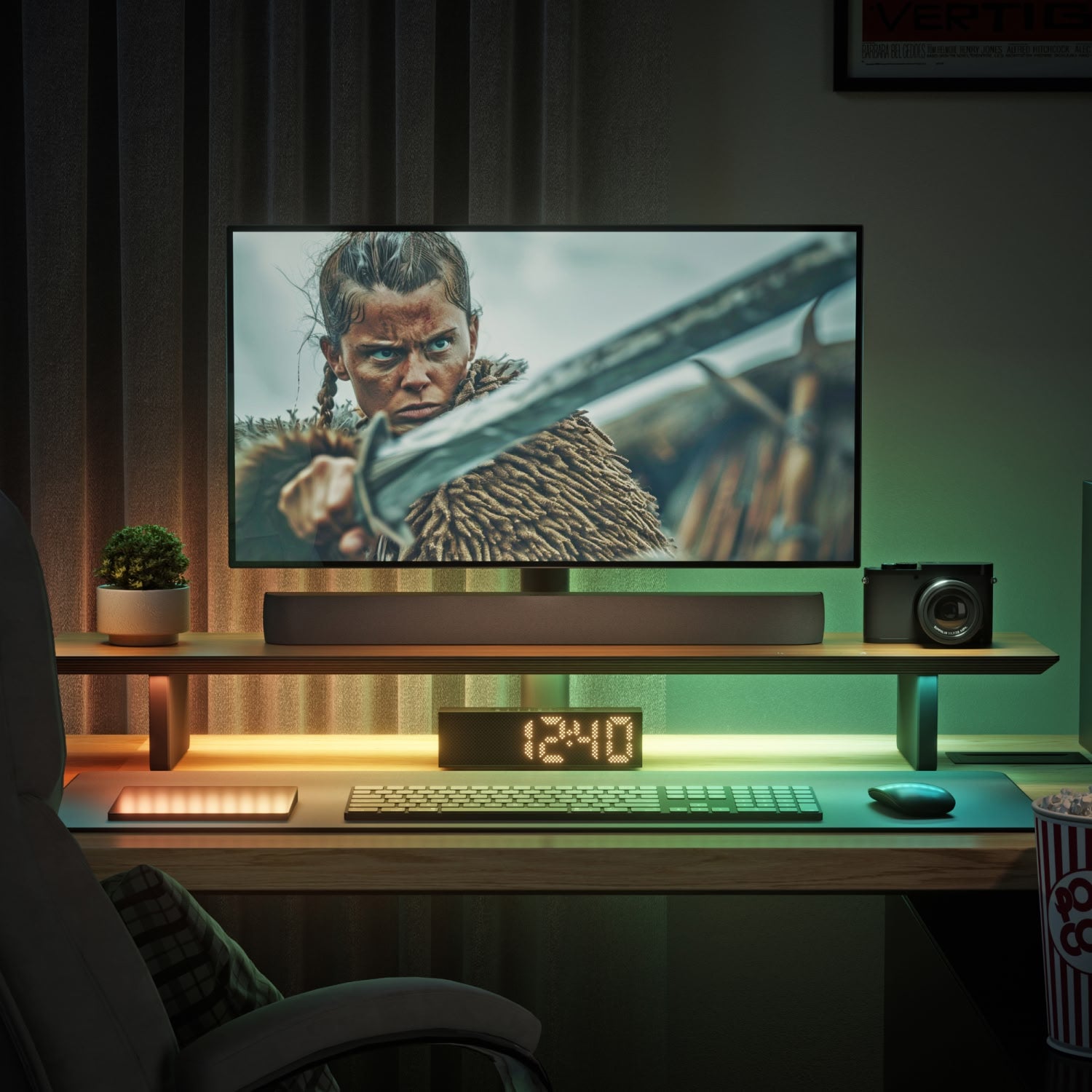
Nanoleaf x FANTAQI | Smart LED Monitor Stand
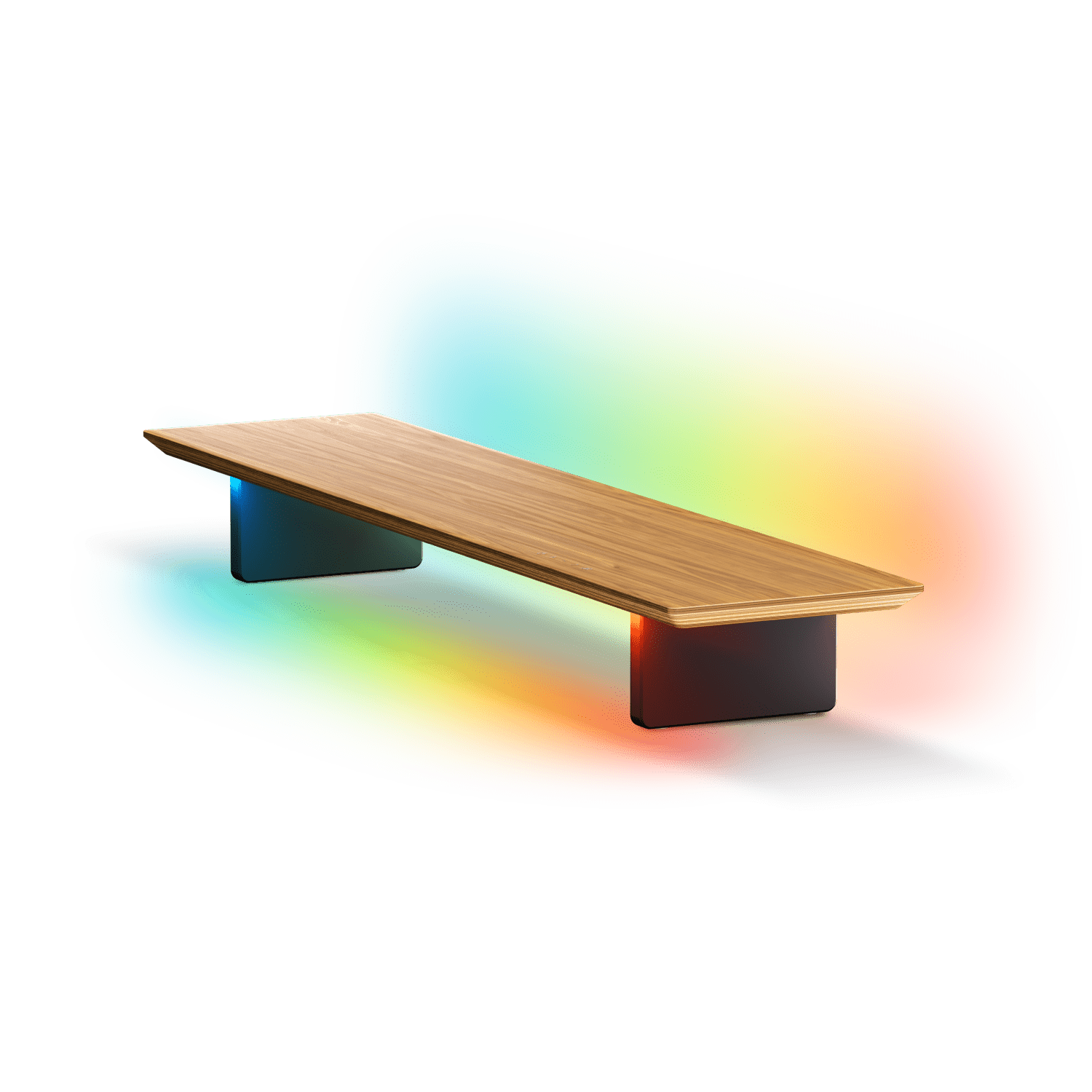
Redefine your desktop to create a smart connected space where premium craftsmanship meets intelligent lighting innovation.
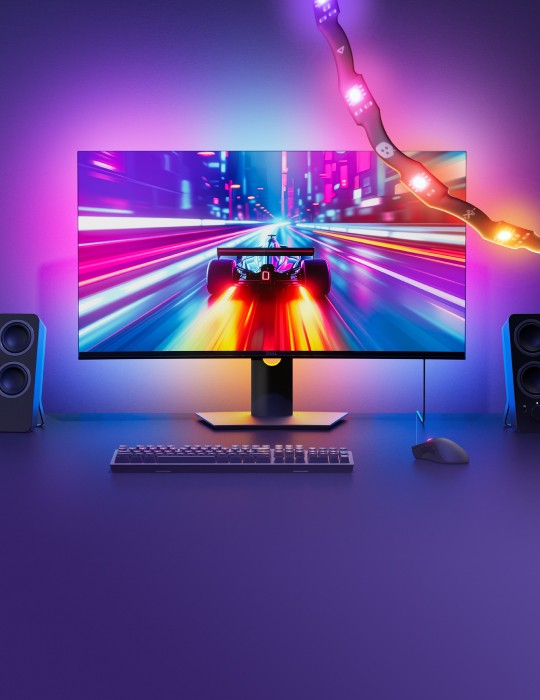
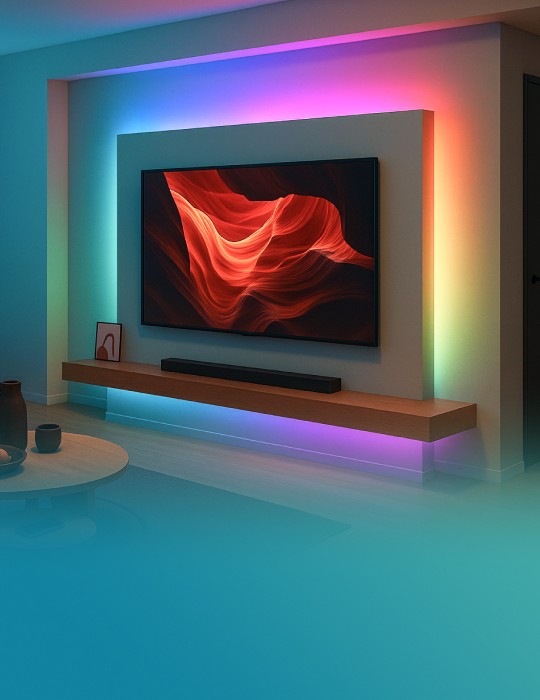
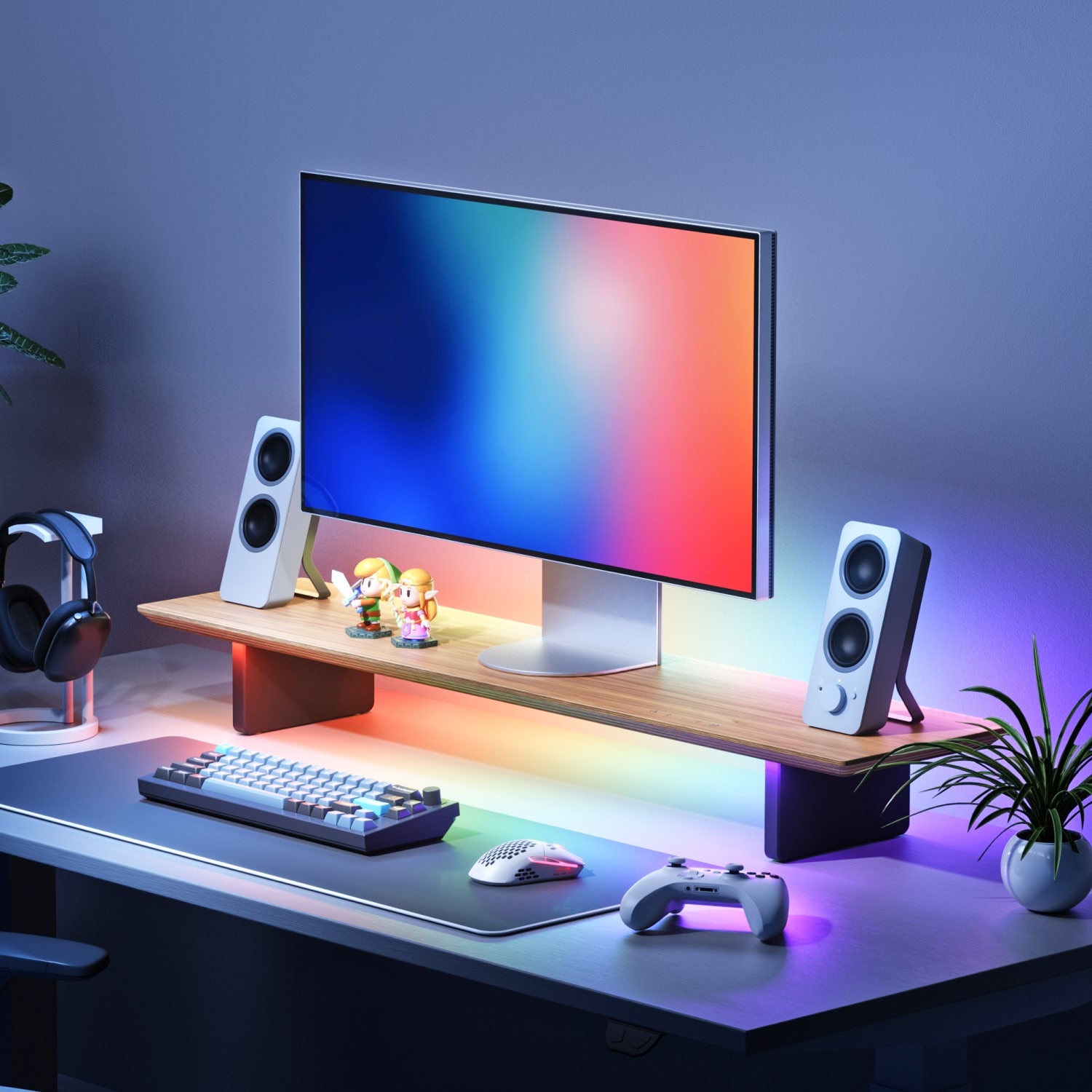
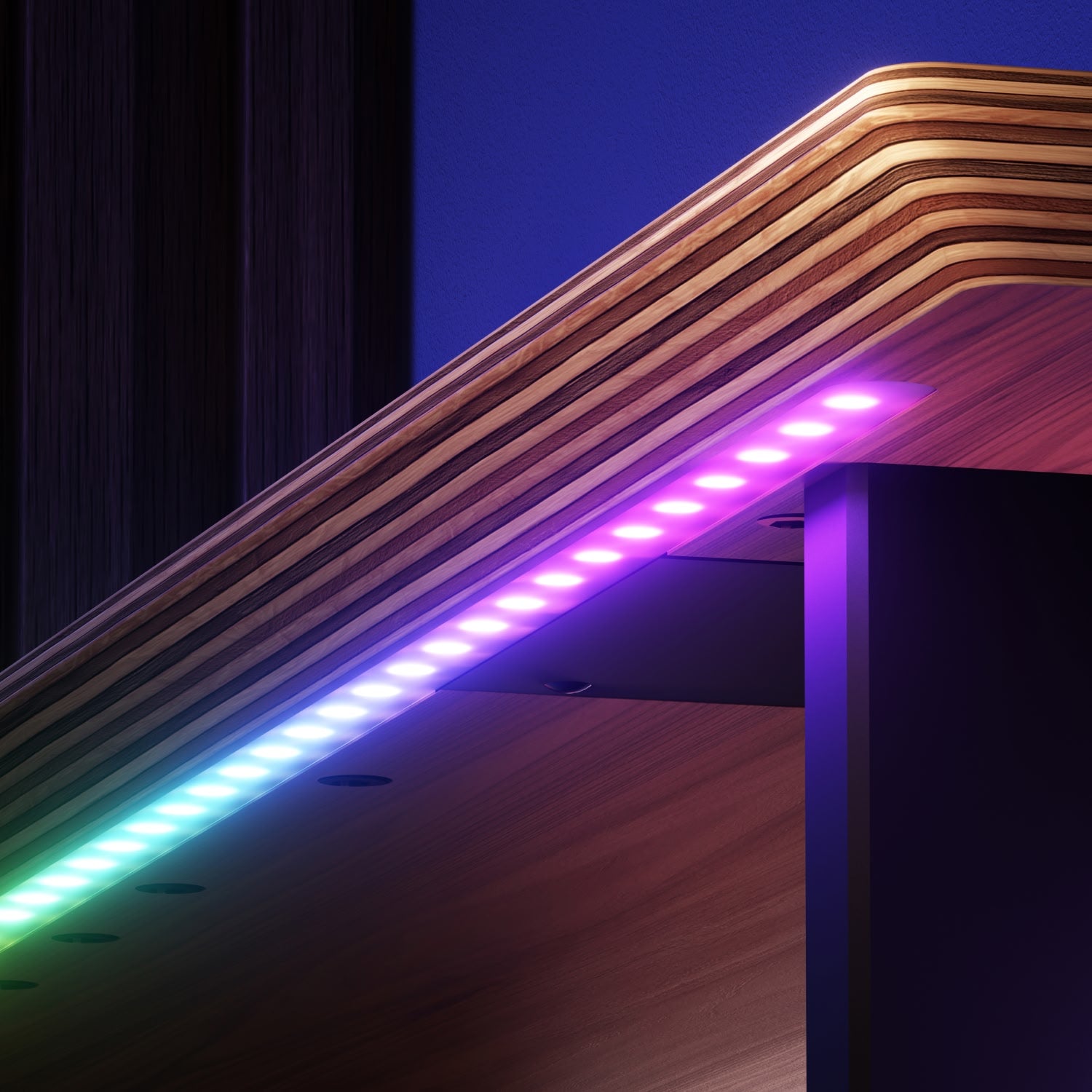
Created in partnership with FANTAQI, this smart modular monitor stand elevates your workspace with detailed craftsmanship and high quality addressable gradient LEDs. Featuring dual-flux lighting technology with independent front task lighting and an immersive rear wall-washing ambient glow, the Smart Monitor Stand delivers ergonomic elevation, unlimited customization, and seamless connectivity with the Nanoleaf ecosystem, and Matter to integrate with smart home ecosystems.
- Dual-flux Lighting: Front CRI97 Task Light + 160° Rear Ambient Wall-washing
- 16+ Million Colors with 102 Individually Addressable LEDs
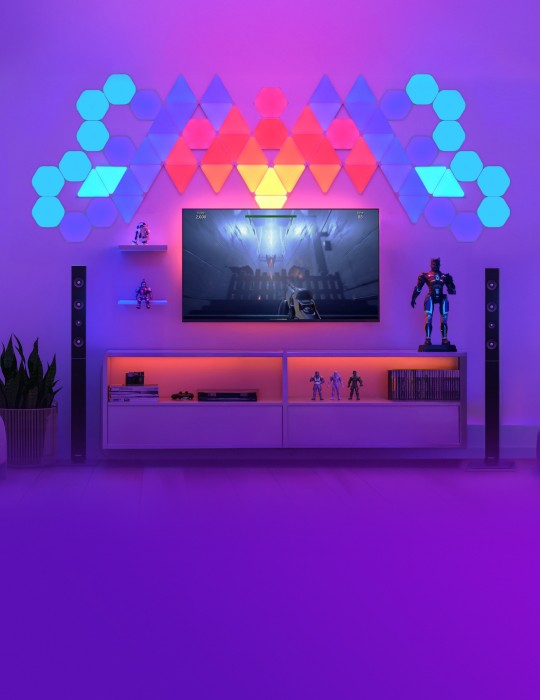
- Screen Mirroring Technology & Rhythm Music Visualization Modes
- Universal 1/4" Threaded Modular Accessory Expansion Capabilities
- Matter Compatible - Works with Nanoleaf App, Apple Home, Google Home, Alexa. etc.
Read More
Read Less
Pairs well with
Get a free replacement for defective products. LEARN MORE
Product Details
Dimensions & Weight
Overall Dimensions: (L) 100cm × (W) 22.5cm × (H) 12.1cm
Net Weight: 4.2 kg
Maximum Load Capacity: 70 kg (with center support column); 28 kg (without center support column)
Optimal Elevation Height: 10cm leg height + 2cm panel thickness
Main Panel Thickness: 20 mm
General
Model: SQFX03
Lumens — Front + Back RGB Channel: 480 lm
Lumens — Task Light CCT Channel: 550 lm
Communication Protocol: Wi-Fi 2.4GHz 802.11b/g/n + Thread / BLE
Dimmability: Yes — stepless dimming via App / Touch / Voice
Voice Control: Compatible with supported voice assistants through ecosystem hubs
The Nanoleaf App: Control via Nanoleaf App (Android & iOS) for mobile/tablet or The Nanoleaf Desktop App (Windows & Mac)
Compabitility: Apple Home, Google Home, Amazon Alexa, Samsung SmartThings, Home Assistant
Firmware Updates: Yes, through Nanoleaf App and Matter OTA
Beam Angle (Rear RGB): 160° ambient wall-washing LED
Lifetime: 25,000 hours
Color
Color Zones: 102 Individually Addressable Zones
Color Temperature Range: 1700K – 6500K
Color Capability: 16M+ colors (RGB + CCT tunable white)
Colour Channel Configuration: Multicolor RGB + CCT
CRI (Task Light): CRI 97
Power
Rated Input:
5V 2A (Type-C / PD)
Rated Output: 10W
Standby < 0.5W
Power Adapter Requirement: ≥15W Type-C PD/QC (standard Type-C charger not included)
Materials and Construction
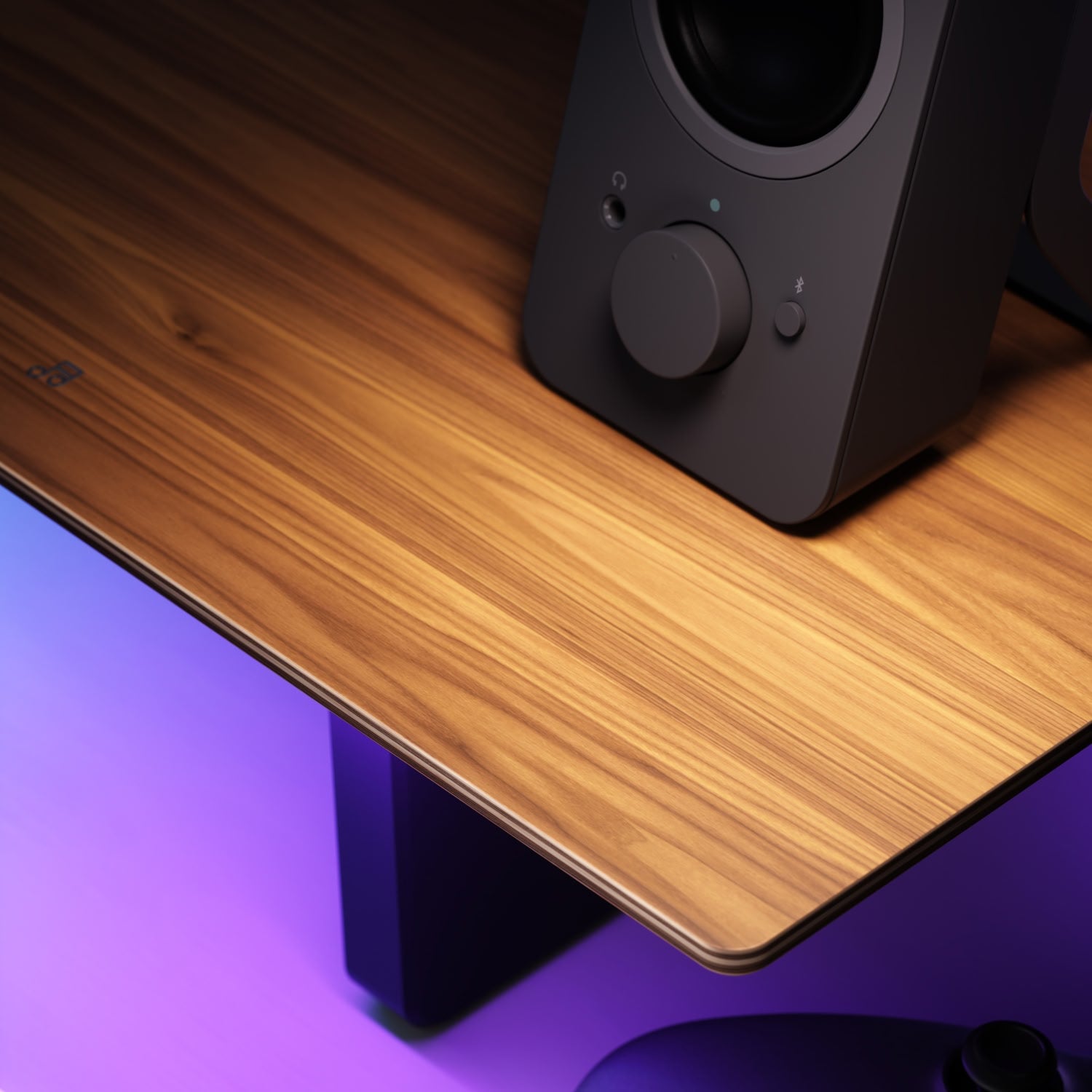
Material: Multi-layer solid wood base with natural walnut veneer
Veneer Processing: 800-grit fine hand-sanded
Environmental Standard: ENF level (zero formaldehyde)
Surface Finish: Micro-relief capacitive touch integrated into veneer
Craftsmanship: High-precision beveled curved edge processing
IP Rating: IP20 (indoor use only)
Expansion Ports: 1/4" universal screw locking system
Use Environment
Operating Temperature: -10C to 40C
Operating Humidity: 0% to 93% RH
Usage: Indoor only
Warranty
Warranty: 2 Years









Transform your ordinary desk into an immersive connected smart center with the Nanoleaf x FANTAQI Smart Monitor Stand, and experience the perfect fusion of sleek natural wood aesthetic with cutting-edge smart lighting technology.
High Quality Materials & Design

Made of high quality materials with real wood for a premium look and feel.

Elevates your monitor 12 cm to achieve the optimal ergonomic viewing angle.

Create vibrant high resolution flowing gradients of color for an ambient wall-washed lighting effect.

Control your lighting effects with a simple touch, including turning them ON/OFF, adjusting brightness, and changing Scenes.

Holds up to 61.7 lbs (28 kg), or 154.3 lbs (70 kg) with the center support column installed, to accommodate large monitors, accessories, and peripherals.

With 23 1/4” universal threaded mounting holes along the base to hold any equipment or accessories, like microphones or cameras.
Benefits
Elevates your monitor 12 cm to achieve the optimal ergonomic viewing angle. Shift your gaze from slouching downwards to eye level, helping your spine return to its natural curve to maintain a comfortable, effortlessly posture all day long.
Dual-layer layout doubles the storage space on your desk without looking cluttered. Instantly achieve a clean and organized desk area while keeping items within reach.
Featuring a forward-facing anti-glare task light (UGR<10) with dedicated CRI97 white LEDs and tunable white color temperatures. Enjoy enhanced visibility, reduced eyestrain, and comfortable illumination for focused work.


All Your Go-To Nanoleaf Features

Control and customize lighting effects with just a tap.

Watch your lights dance to the beat of your music.

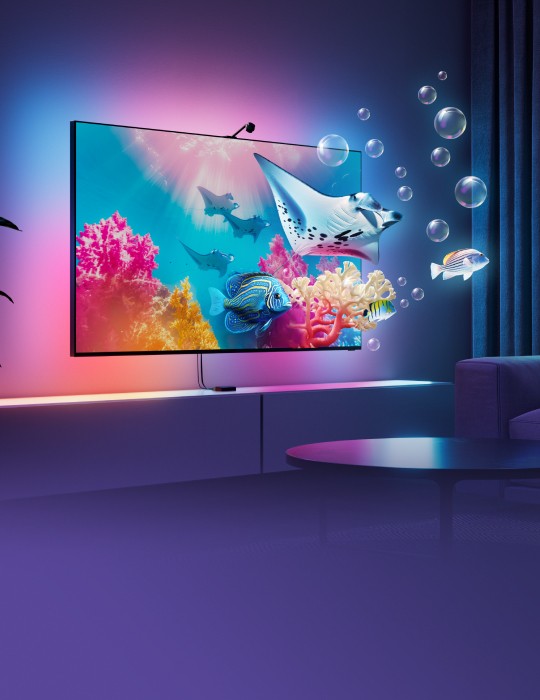
The colors from your screen sync with your lights for an immersive experience.

Instantly generate a custom themed palette by typing a word or phrase
Unlock All Features
We always recommend pairing with the Nanoleaf App first, and then connecting it to a smart home ecosystem* if you’d like access to more features.


Discover thousands of already made colour palettes, lighting animations and colour-changing Scenes.
Get creative and create your own custom Scenes that fit your space and needs.
Type in any word that inspires you and watch its colour palette appear magically across your lights.

With Matter, you can control basic functions of your lights directly through your favourite smart home ecosystem app.
Go hands free, and control your lights via Voice when you link it up to a smart home ecosystem with Matter.
Eg. Hey Siri, please turn on my lights!
Automate your lights to turn on/off at set times to make your everyday routine easier and more convenient.
Nanoleaf App requires Wi-Fi or Bluetooth. Connecting to a Smart Home Ecosystem requires the following:
Matter Compatible Smart Home Hub
Latest Firmware on your Devices & Apps
Please read our FAQs page to find out more.
FAQs
Why does Smart LED Monitor Stand flash red 3 times when I turn it on?
This is a low-power safety warning. Your connected charger must deliver 15W or more via Type-C PD/QC. Use a 15W+ charger (most laptop or phone USB-C chargers qualify). USB-A chargers typically do NOT provide enough power.
Does Smart LED Monitor Stand come with a power adapter?
No. Smart LED Monitor Stand uses a standard Type-C PD/QC connection. You must provide your own 15W+ Type-C charger. This reduces e-waste and gives you the flexibility to use a charger you already own.
Can Smart LED Monitor Stand connect to 5GHz Wi-Fi?
No. Smart LED Monitor Stand only supports 2.4GHz Wi-Fi, which is standard for smart home devices due to its superior range and wall penetration. Most dual-band routers broadcast both; Smart LED Monitor Stand will use the 2.4GHz band automatically.
What is the CCT range and CRI of the task light?
The task light covers 1700K (warm amber) to 6500K (cool daylight) with CRI 97 for true-to-life color rendering — ideal for video calls, photography, and extended work sessions.
How many RGB color zones does Smart LED Monitor Stand have?
102 individually addressable color zones. This is significantly more than most smart light strips (typically 10-50 zones) and enables smoother gradients, richer animations, and more detailed color effects.
Can Smart LED Monitor Stand sync with my existing Nanoleaf products (Lines, Shapes, Elements)?
Yes. Via Sync+ and 4D Scene, Smart LED Monitor Stand can synchronize lighting effects with your entire Nanoleaf ecosystem for a unified, immersive room experience.
What cameras and accessories are compatible with the 1/4-inch mount?
Any device with a standard 1/4-inch UNC screw mount: DJI OSMO action cameras, INSTA360 cameras, webcams, ring lights, mini tripods, and similar film/photo industry accessories. Hand-tighten only — do not over-tighten.
Does Smart LED Monitor Stand support screen mirroring?
Yes — via the Nanoleaf Desktop App. Smart LED Monitor Stand can sync its lighting with on-screen content for an immersive gaming or movie-watching experience.
What voice assistants are supported?
Amazon Alexa, Google Assistant, Apple Siri (via Apple Home), and Samsung SmartThings. Full Matter compatibility ensures broad smart home ecosystem support.
How do I switch between controlling the RGB ambient light and the CW task light?
Long-press the Power button for 1.2-10 seconds to toggle the CW task light on/off. When the CW task light is on, the +/- buttons control task light brightness only; to control RGB brightness, long-press the power button to turn off the CW channel first.
The capacitive touch buttons don't seem sensitive enough. What should I do?
The touch buttons require a firm press to activate reliably. Press the button with more force — treat it like a mechanical button rather than a light tap. Ensure your fingertip fully covers the button icon and extends slightly above it. The LED indicator at the bottom of the button will light up to confirm the touch was successfully detected.